Featured
Best VR Headsets to Buy: How to Choose
Standalone, PC or console: how to choose a VR headset that suits your hardware, budget and comfort.
Buying Guides
Spec sheets make most electronics look alike. These guides focus on the few numbers that change daily use, and the ones you can safely ignore.
As an Amazon Associate I earn from qualifying purchases.
Featured
Standalone, PC or console: how to choose a VR headset that suits your hardware, budget and comfort.
How phone screen magnifiers work, what they do well, and when casting to a TV is a better choice.
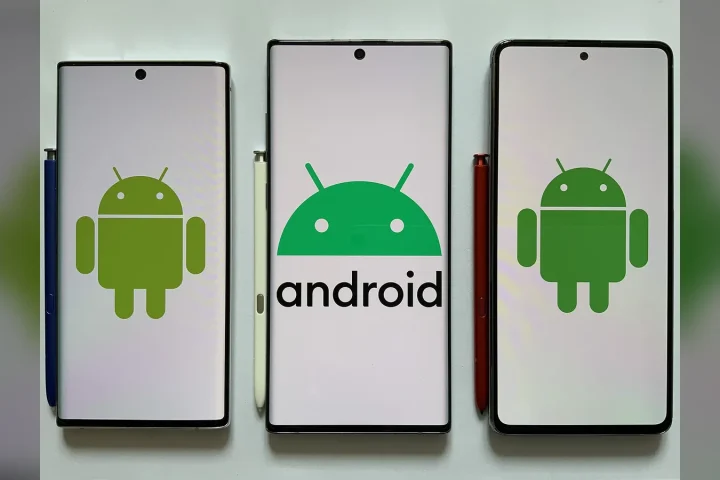
Read moreSigns of malware on Android and the steps to remove it safely, from safe mode to a factory reset.
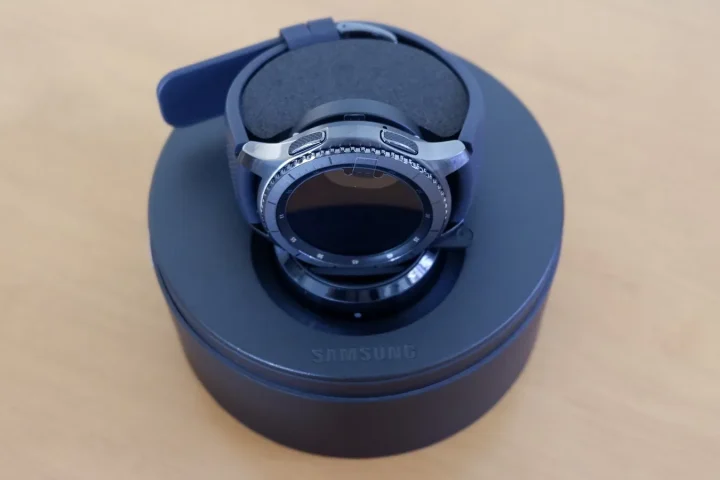
Read moreWhy Apple Watch is the default choice for iPhone owners, and when an alternative makes sense.
Read moreHow Qi, Qi2 and MagSafe differ, what limits charging speed, and how to choose a wireless charger.
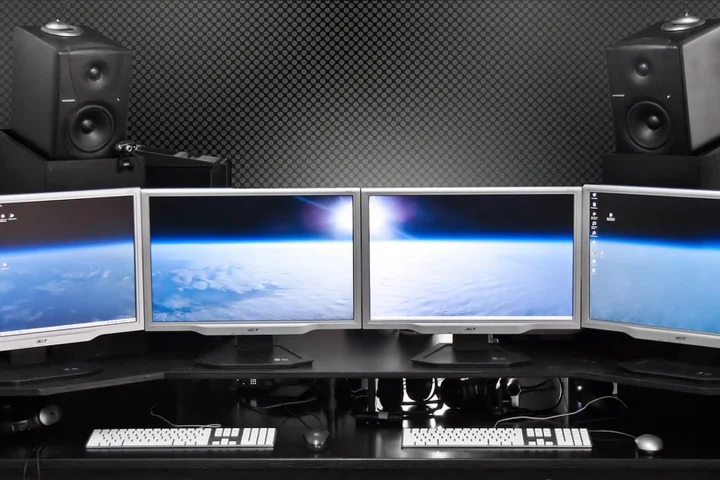
Read moreHow to match a gaming monitor to your graphics card or console, and which specs actually matter.
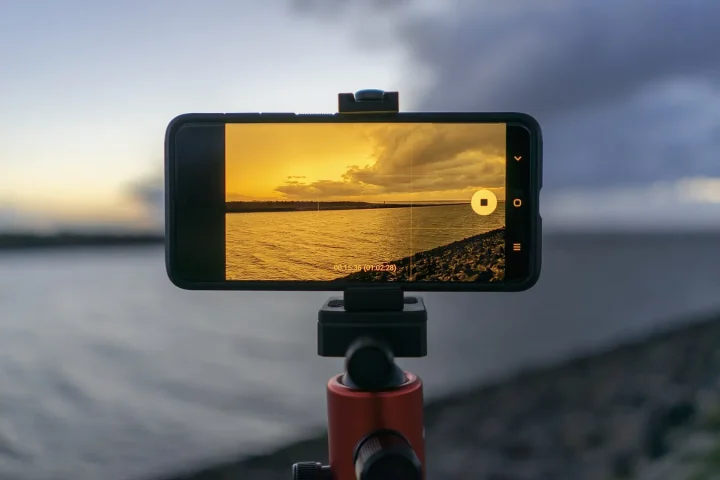
Read moreWhat really improves night photos on a phone, and which camera specs matter less than they seem.
Read moreMatch the machine to the work you actually do, then check the parts that are hard to change later.
Screen size and resolution should be chosen together, based on how far you sit from the panel.