This guide is based on independent research into published specifications and general guidance. South Report has not physically tested the products discussed.
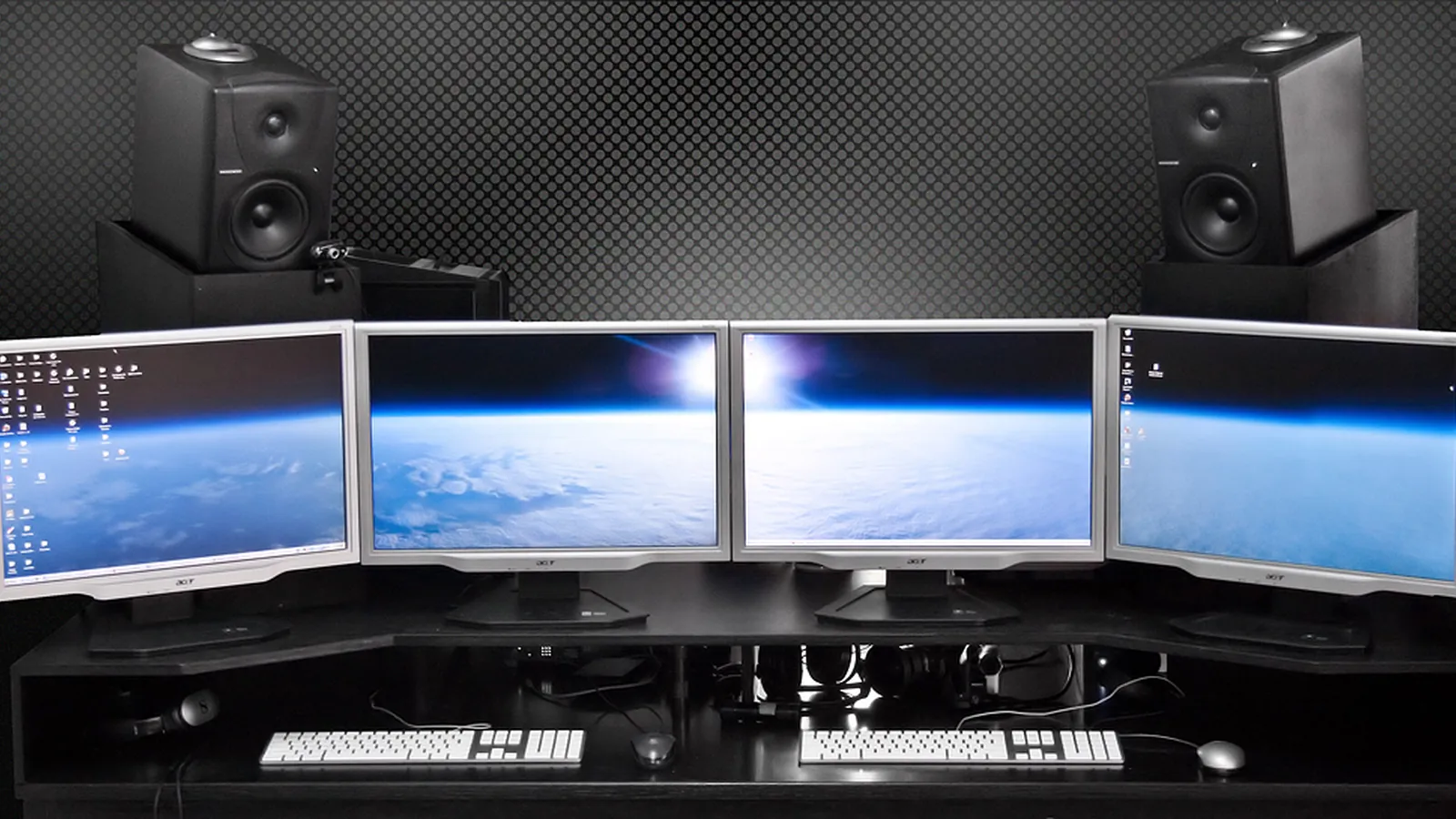
The best gaming monitor is one your hardware can actually drive. Start with your PC or console, and then choose resolution, refresh rate and panel type.
Match it to your hardware
- Resolution: 1080p is easy to run, 1440p is a popular balance, and 4K needs a powerful graphics card.
- Refresh rate: 144Hz is a major step up from 60Hz. Above that, gains are smaller and mostly help competitive players.
- Consoles: current consoles use HDMI, and 4K at 120Hz requires HDMI 2.1.
Panel types
- IPS: strong color and wide viewing angles.
- VA: high contrast, but some models show dark smearing.
- OLED: exceptional contrast and speed. It costs more, and static images carry some risk of burn-in.
Specs to read carefully
- Response time: a quoted 1ms is often achieved only in an extreme overdrive mode. Look at independent measurements.
- HDR: entry-level HDR400 monitors offer limited benefit. Better HDR needs high brightness and local dimming, or OLED.
- Adaptive sync: FreeSync or G-Sync compatibility reduces tearing. Check that it works with your graphics card.
Size and setup
24 to 27 inches suits most desks, and 27-inch 1440p is a good match. Look for an adjustable stand or VESA mount. If you connect a laptop, read our guide to docking stations for 144Hz monitors, and see our monitor guide.