This guide is based on independent research into published specifications and general guidance. South Report has not physically tested the products discussed.
A VR headset is only as good as the games and apps it can run. Start by deciding what you want to play or use, and which hardware you already own.
Main types
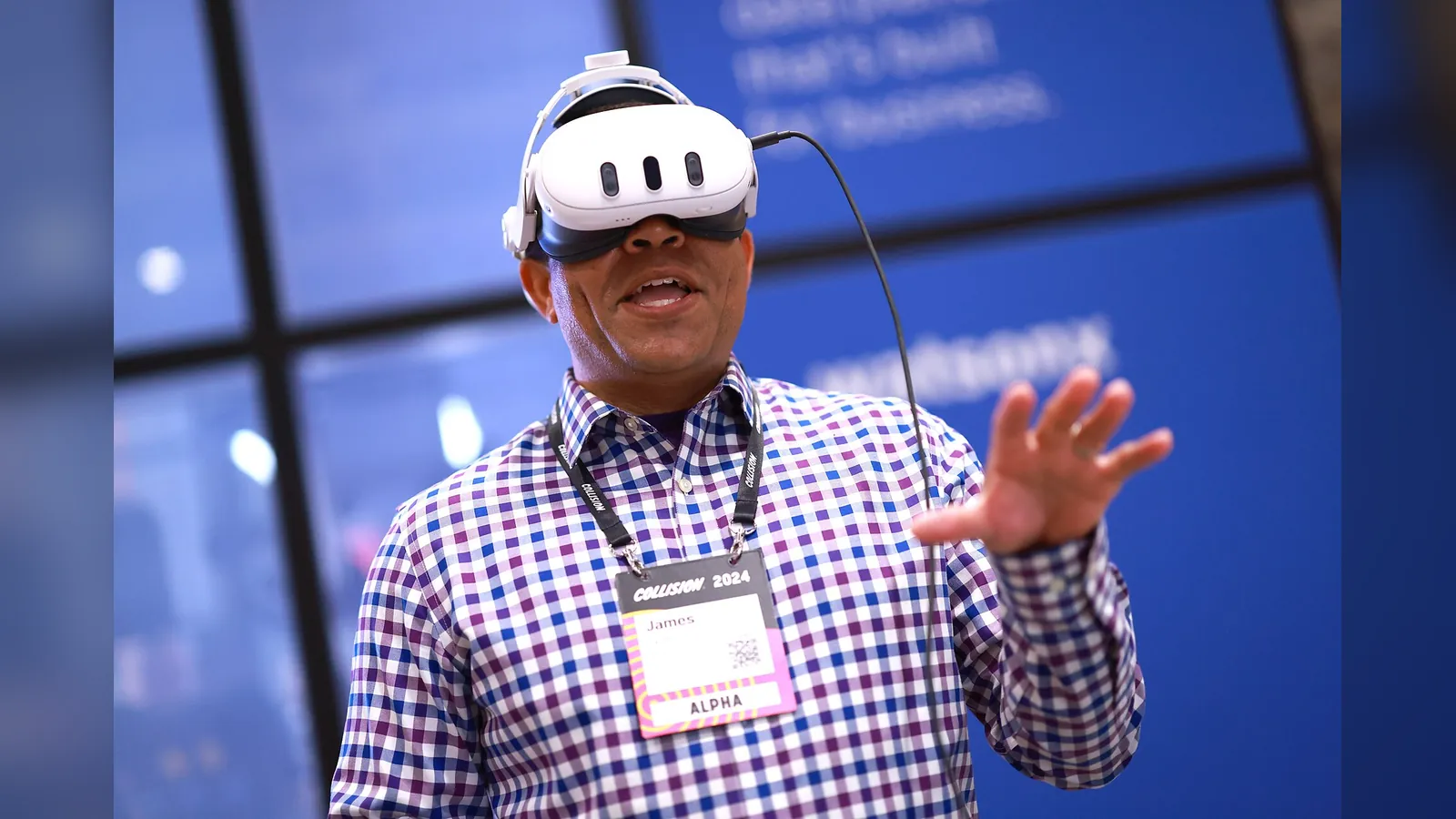
- Standalone: runs by itself with no PC or cables. This is the simplest choice for most people.
- PC VR: connects to a gaming computer for higher-end visuals. Check your PC’s requirements first.
- Console VR: works with a specific games console, so check compatibility.
Many standalone headsets can also connect to a PC, which adds flexibility.
What to compare
- Resolution and lenses: a sharper display makes text and detail clearer. Pancake lenses are usually slimmer and clearer than older designs.
- Refresh rate: higher rates can feel smoother, and help comfort.
- Comfort: weight and balance matter. Check for a suitable head strap.
- Fit: check that its lens spacing (IPD) range suits your eyes, and that there is room for glasses, or prescription inserts.
- Battery life: standalone headsets often last only a few hours.
- Tracking and controllers: check hand tracking, if you want it.
- Content library: make sure the apps you want are available.
Before you buy
- Check the required account and privacy policy.
- Clear a safe play area, away from furniture.
- Check the manufacturer’s minimum age. Headsets are not suitable for young children.
- Start with short sessions if you tend to get motion sick.
Comparing other tech? See our Electronics guides.